Toggle Nav 


Gain More Benefits with ShopBack
-
What is ShopBack?
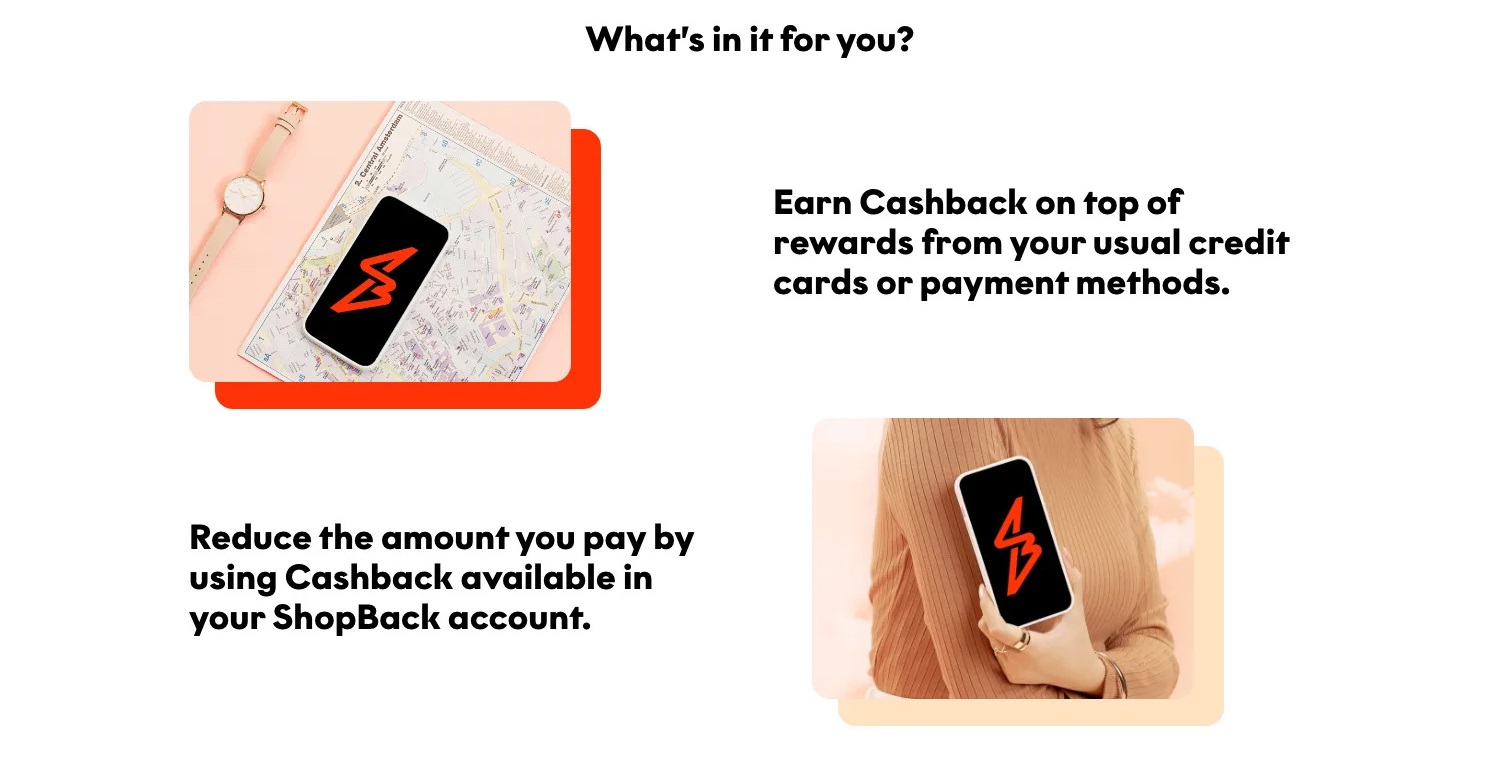
ShopBack is a payment method that allows you to earn cashback rewards from eligible merchants when complete the transaction. You can use the cashback easily for both in store & online store to reduce the total purchase amount.
-
Payment methods
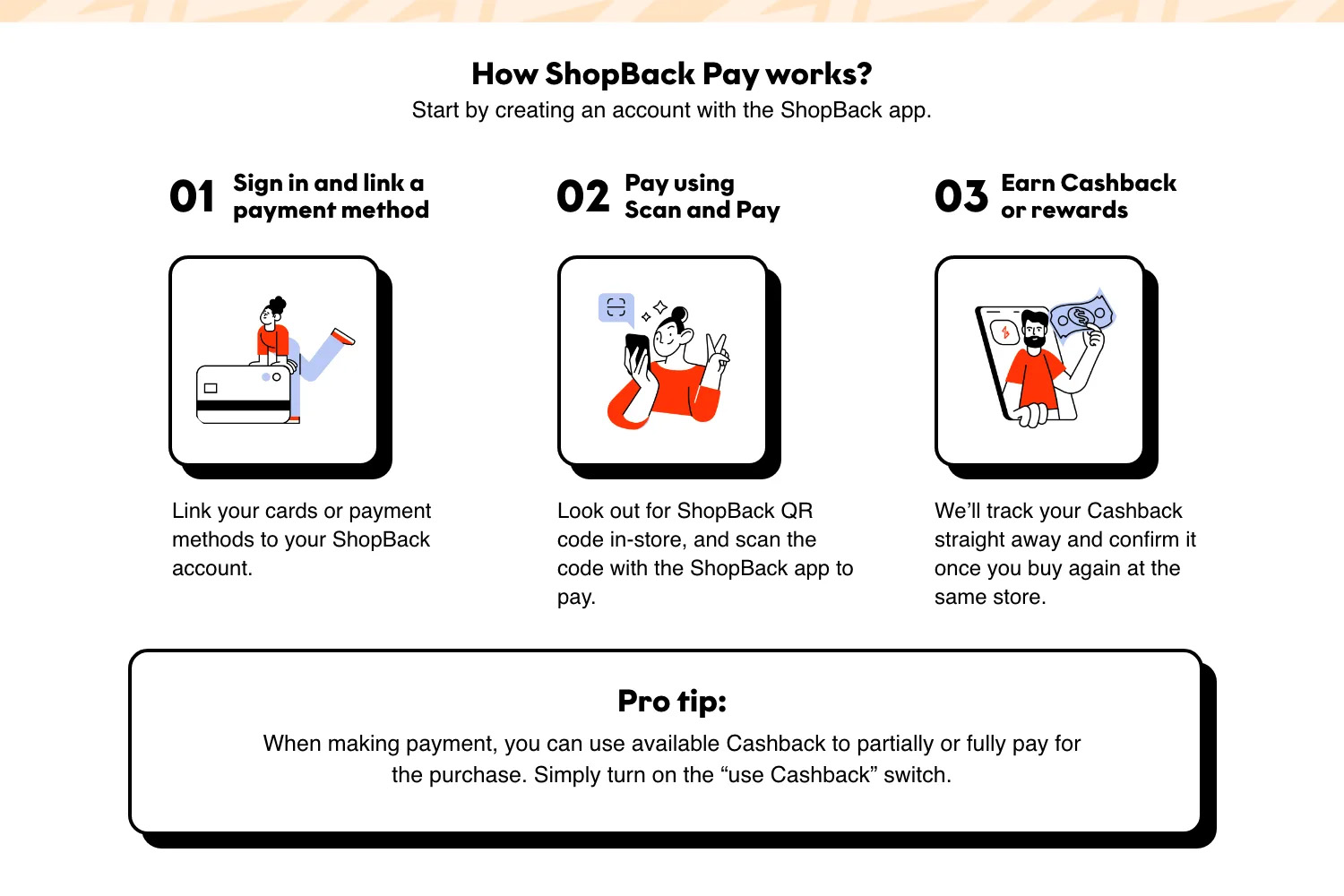
Add your payment method to the ShopBack app to earn Cashback effortlessly. By adding a payment method, you’ll get access to ShopBack Pay, which lets you to earn rewards in-store and online.
For those who use credit or debit cards, kindly note that currently Shopback only supports cards issued in Malaysia. -
How to pay for your purchase
ShopBack Pay and Voucher payments are considered online transactions and are subject to the terms and conditions of banks registered in Malaysia and Rodalink.com/my terms and conditions policy.
Before using ShopBack, make sure you have:
- Logged in to your ShopBack account.
- Linked your credit or debit card to your ShopBack account.
In-store
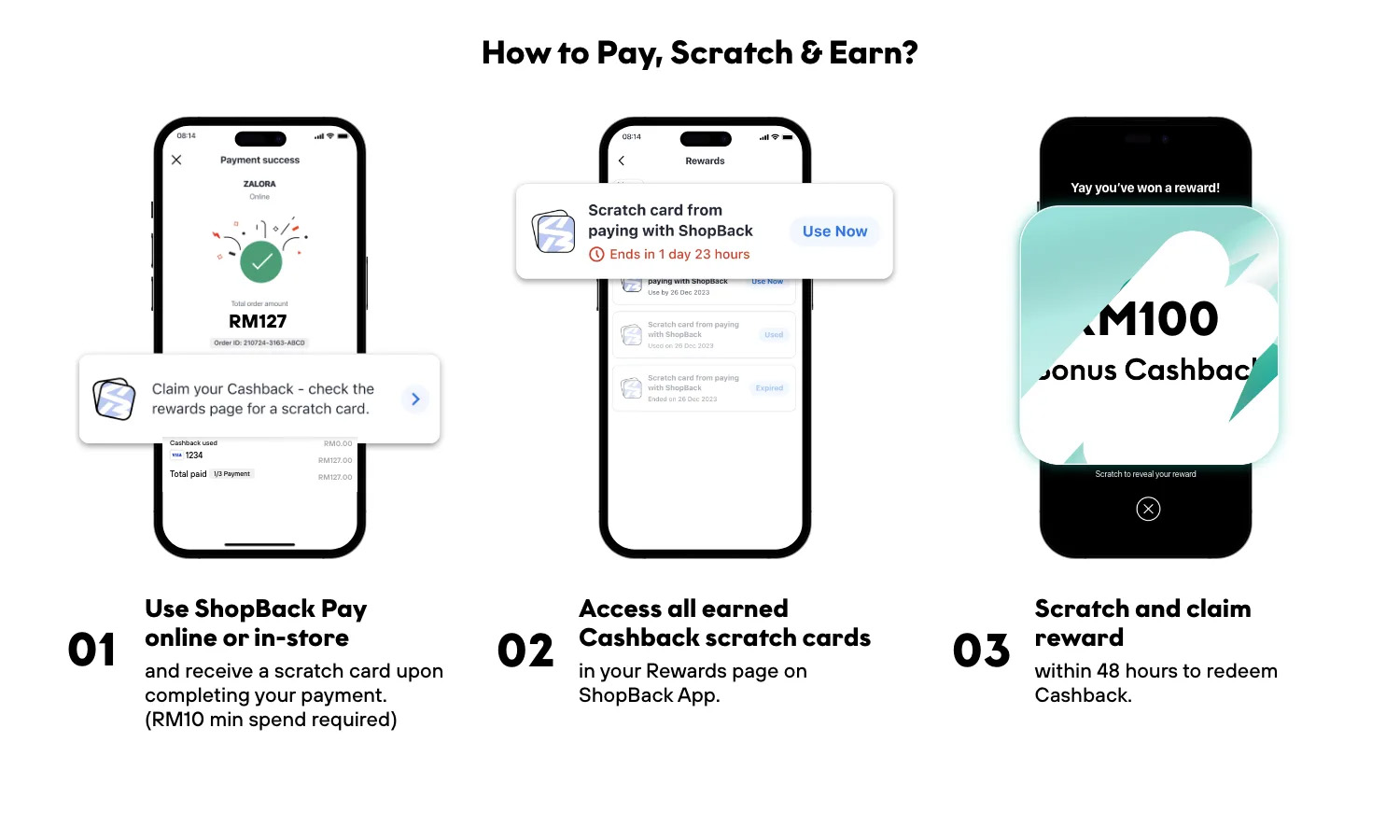
Using ShopBack Pay in physical stores enables us to track your purchase and award Cashback, so you can still reap the benefits of ShopBack even when shopping offline.
All you need is your phone and the ShopBack app to use the pay function.
Payment in store:
- Look for the ShopBack logo.
- Scan the payment QR code from your ShopBack app.
- Select your preferred payment method.
- Apply Promos to your order (if any).
- If everything looks good to go, confirm the final amount and swipe to pay.
Online
Paying at online stores.
- Find the ShopBack payment option on your checkout screen.
- Follow the instructions on screen.
- You could scan a QR code using your ShopBack app and complete payment in your app.
- Or log in to your ShopBack account and complete payment in your browser.
- Next, ShopBack will ask you to confirm the amount. If you have multiple cards linked to ShopBack, you can also change the card you wish to use.
- Apply ShopBack Promos (if any) to your order amount.
- If everything looks good to go, confirm the final amount and swipe (if using the app) or press the Confirm Payment button (when paying from browser) to pay.
-
Using Cashback to pay
When you pay with ShopBack, you can also use available Cashback to reduce the total amount.
-
Why am I unable to place an order?
Here are the most common reasons why you're unable to place an order:
- Insufficient funds in your card;
- Declined by the bank;
- Order timed-out (idle for more than 20 minutes on the checkout page);
- Due to card spending limit;
- Incorrect/Missing information on your checkout page/ShopBack account;
- Outstanding installment(s).
-
I didn’t receive an order confirmation email. What should I do?
If you don't receive any confirmation email after placing a payment, you might do the following action:
-
If you didn’t receive a confirmation email from the store
Please contact Rodalink.com/my directly here and inform your order number.
-
If you didn’t receive a confirmation email from ShopBack
Reach out Sparky, ShopBack's virtual assistant, and inform your transaction details including order number, purchase date, product, price, and shipping details. This email should include your order and repayment details if you’re using ShopBack
-
-
How does full refund works?
Here’s how it works:
Full Refund
- You’ll need to contact the Rodalink.com/my to ask for an order cancellation/refund.
- Once the Rodalink.com/my has initiated the Full Refund, ShopBack will process the refund amount back to your card (credit) or bank account (debit) which you had initially used.
- Typically, the whole process will take up to 14 business days for the amount to be reflected in your card (credit) or bank account (debit).
- An email confirmation will be sent to you. Alternatively, you can view your payment status via the ShopBack app.
Partial Refund
- You’ll need to contact the Rodalink.com/my to ask for an order cancellation/refund.
- Once the Rodalink.com/my has initiated the Partial Refund, here's what ShopBack will do: The amount will be used to offset your next installment’s repayment. If you do not have any outstanding instalments in your account, the amount will be refunded back to your card (credit) or bank account (debit) which you had initially used.
- Typically, the whole process will take up to 14 business days for the amount to be reflected in your card (credit) or bank account (debit).
- An email confirmation will be sent to you. Alternatively, you can view your payment status via the ShopBack app.
Cashback rewards don't apply to cancelled or refunded transactions. If you refund your purchase, you’ll also lose your Cashback
-
I have not received the product or would like to make a refund after receiving the products
We are happy to assist you with returning or exchanging your purchase if it arrives defective, damaged, not in complete condition, or doesn't match our website's description. You may contact Rodalink Customer Care here for return or refund request.
Please complete your information below to login.
Sign In
Create New Account